mArh Screenshots
Target List
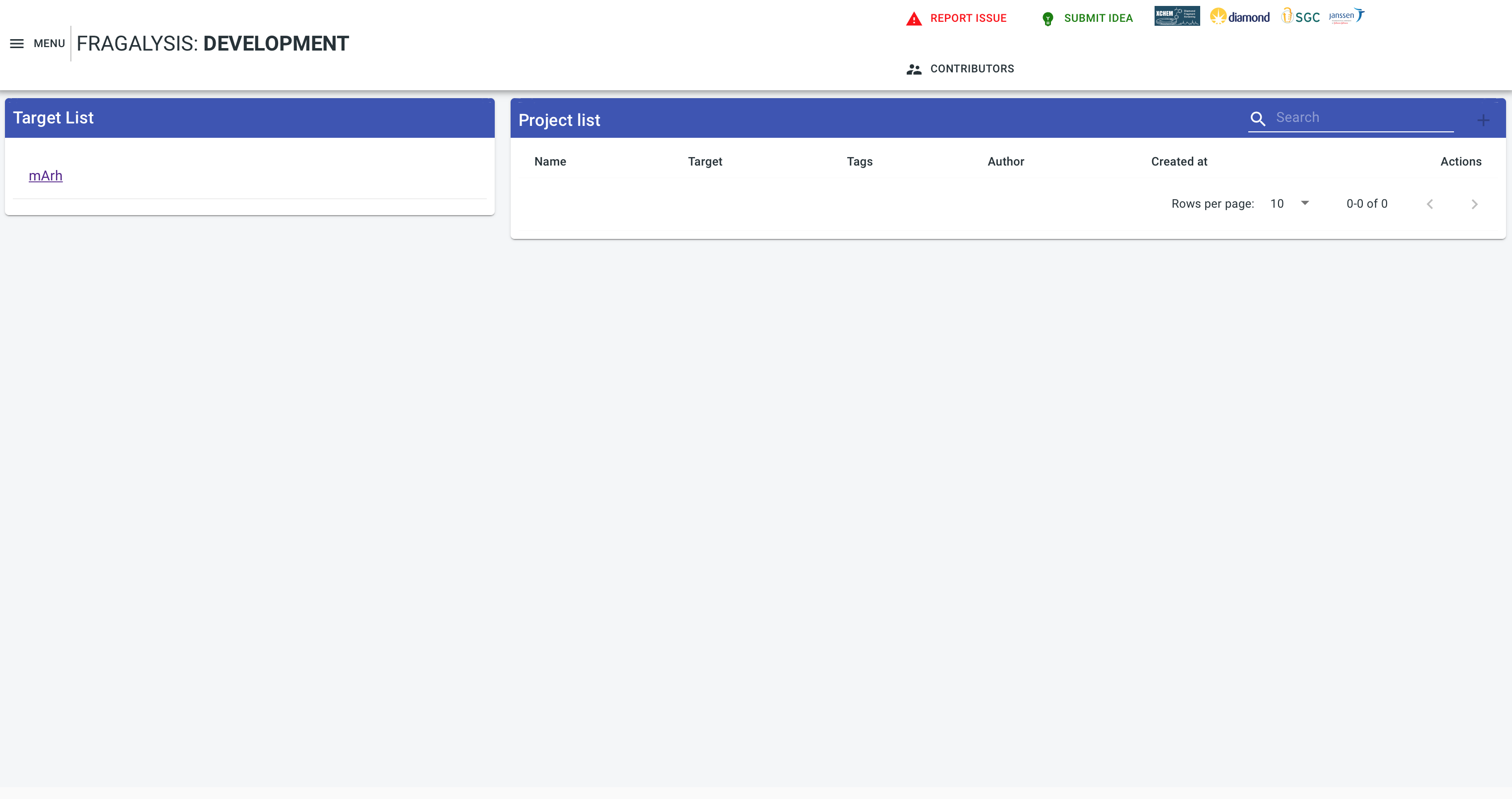
If you’ve loaded data for the mArh target using the example data origin 2020-09-15T16 then, when you navigate to the stack instance you should be presented with mArh in the target list (there may be others depending on what else you may have loaded) as shown below: -
Hit Navigator
If you click on the mArh target you should see the Hit screen, with a cluster selector and navigator, ash shown below: -
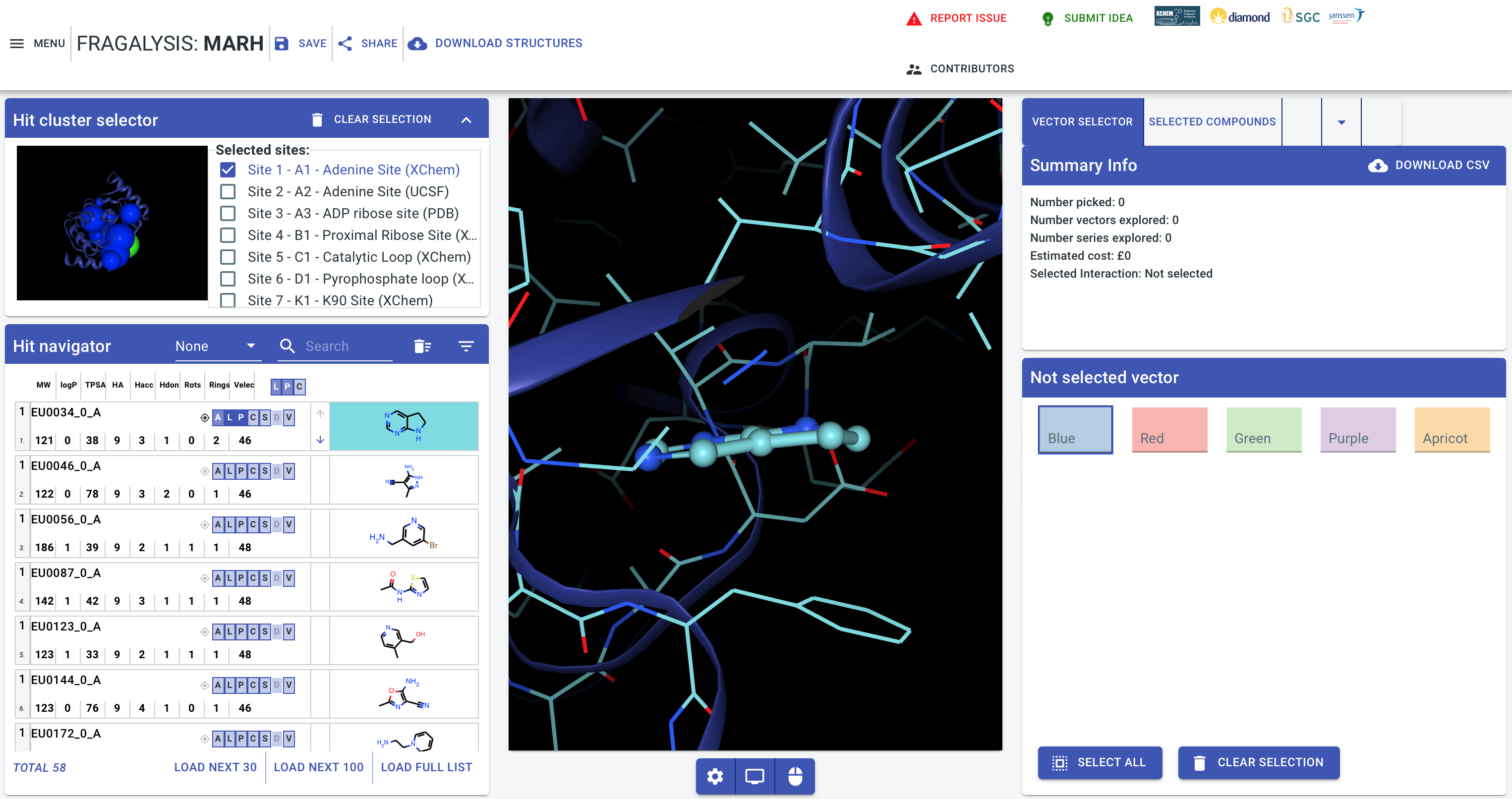
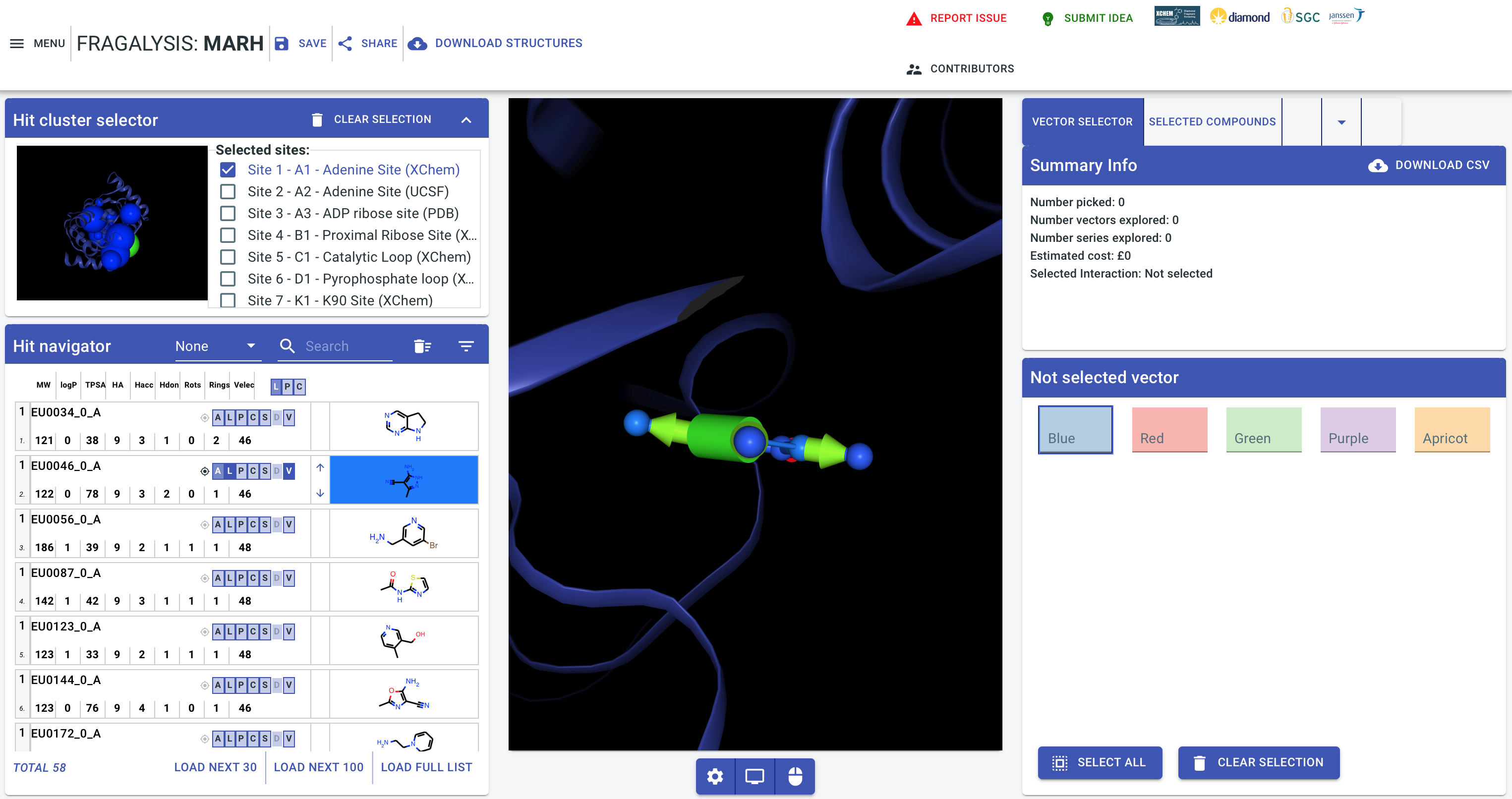
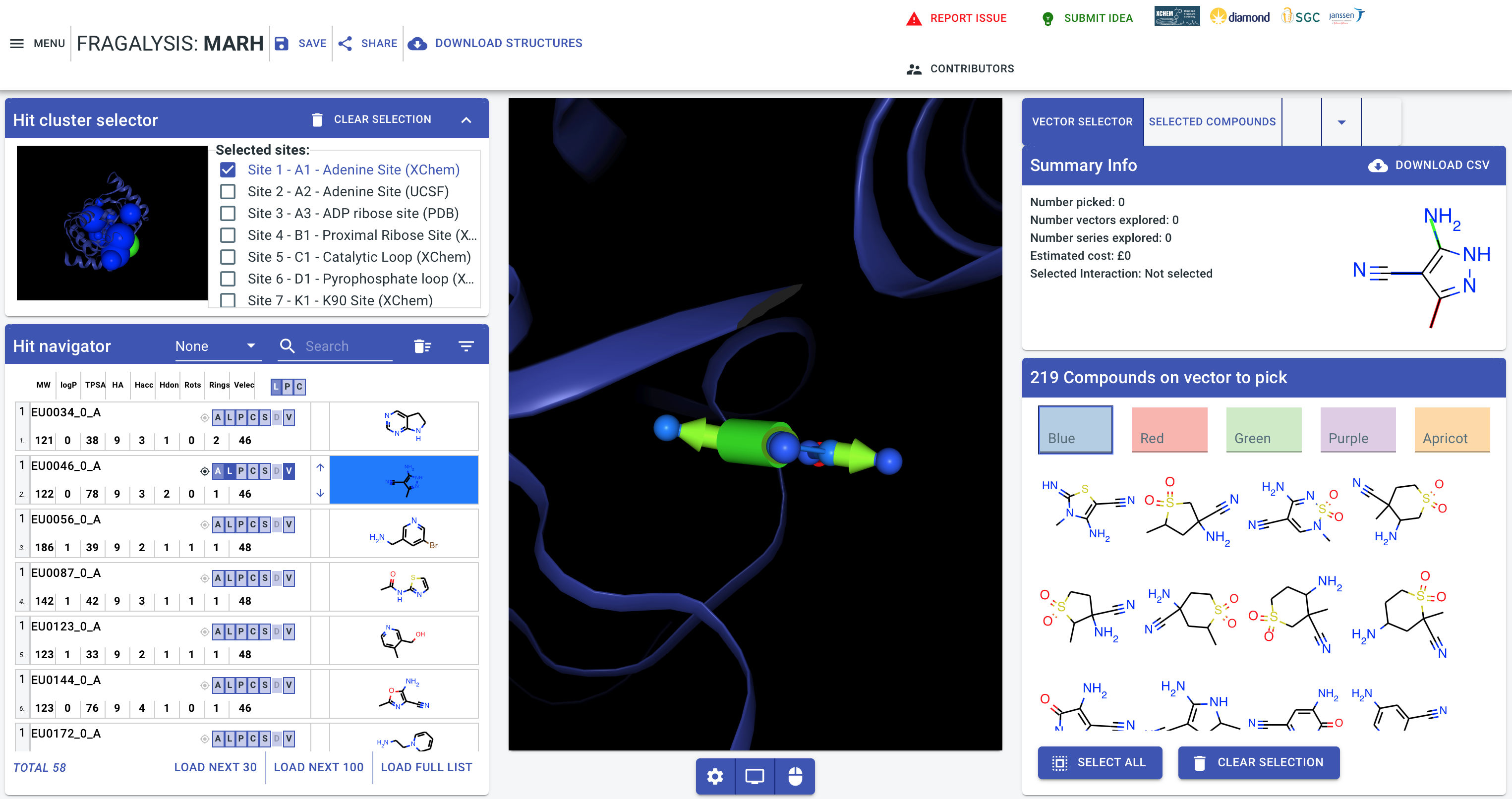
To test the graph database connection de-select the EU0034_0_A molecule by clicking its dark-blue “L” (ligand) and “P” (sidechains) boxes and instead click “L” and “P” for the 2nd molecule (EU0046_0_A). Now also click the “V” (vectors) button.
With this done, if your database connection is working, you should should see arrows and cylinders attached to the molecule, as shown below:- [1]
Alternative Molecules
Click the cylinder: -
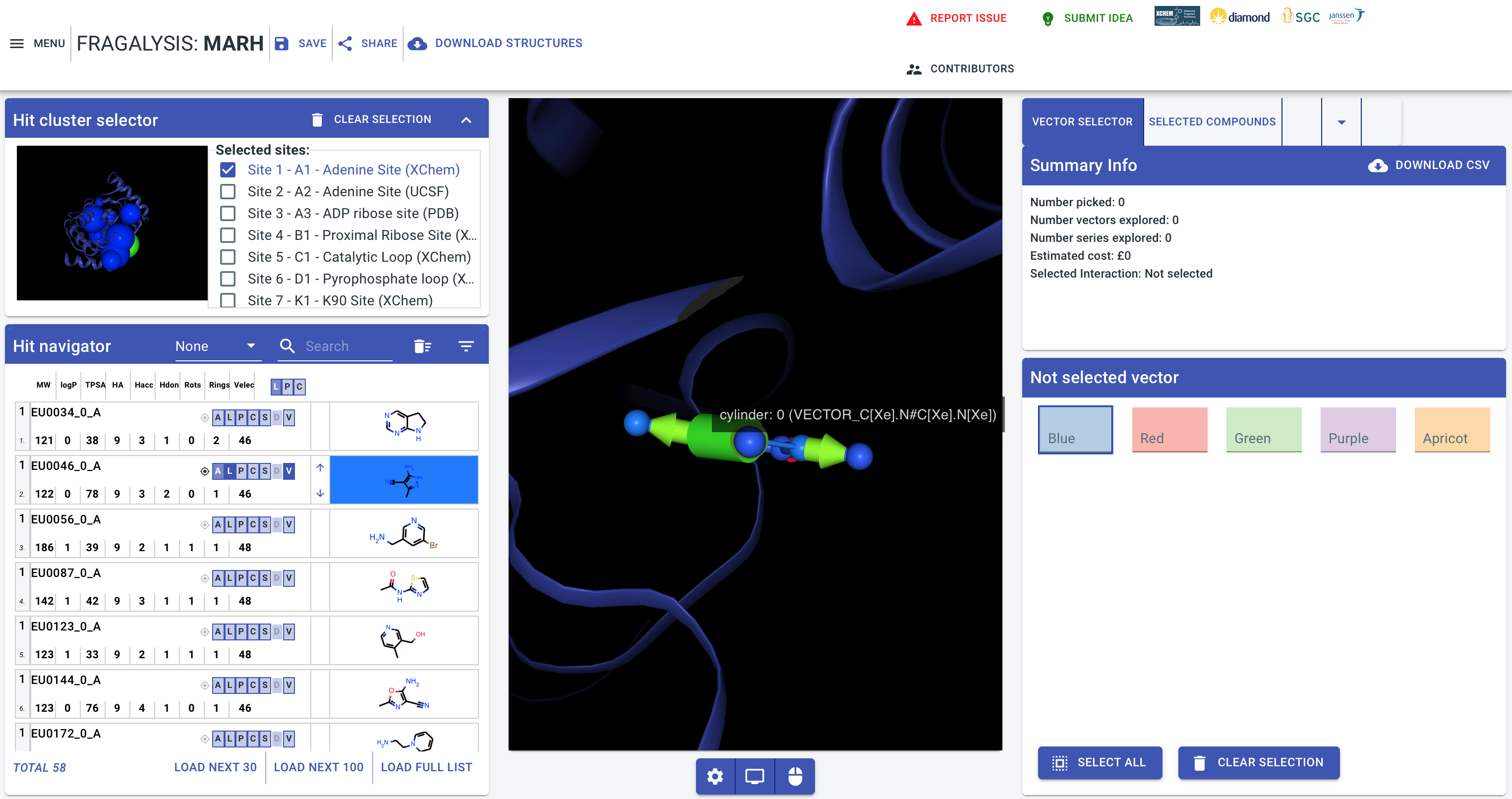
And you should then see a number of alternative molecules presented to you, extracted form the fragment database, on the right-hand side of the application window: -
If that works then your stack deployment has been successful!
Footnotes